Uncensored generation is here — create without limits
For adults only: unfiltered stills and clips from Spicy UNCENSORED, Spicy UNCENSORED Video and HappyHorse. Whatever you create stays private to your account.
AI Tools
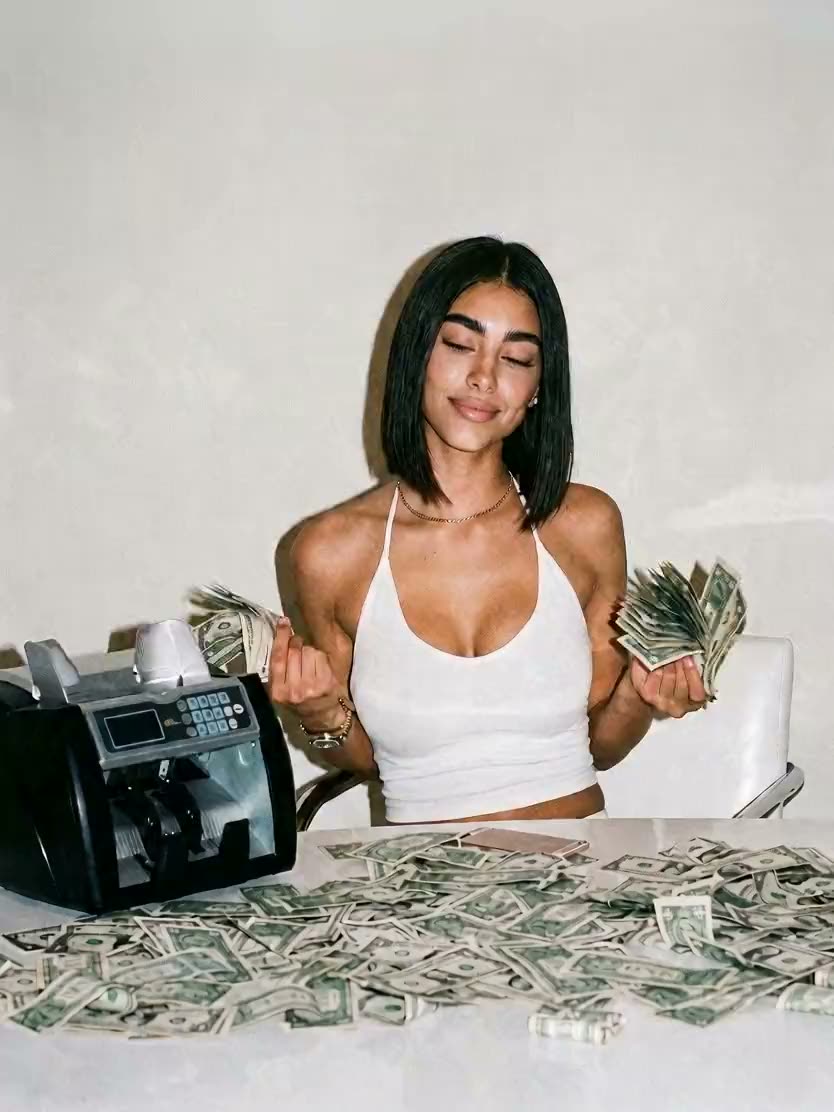
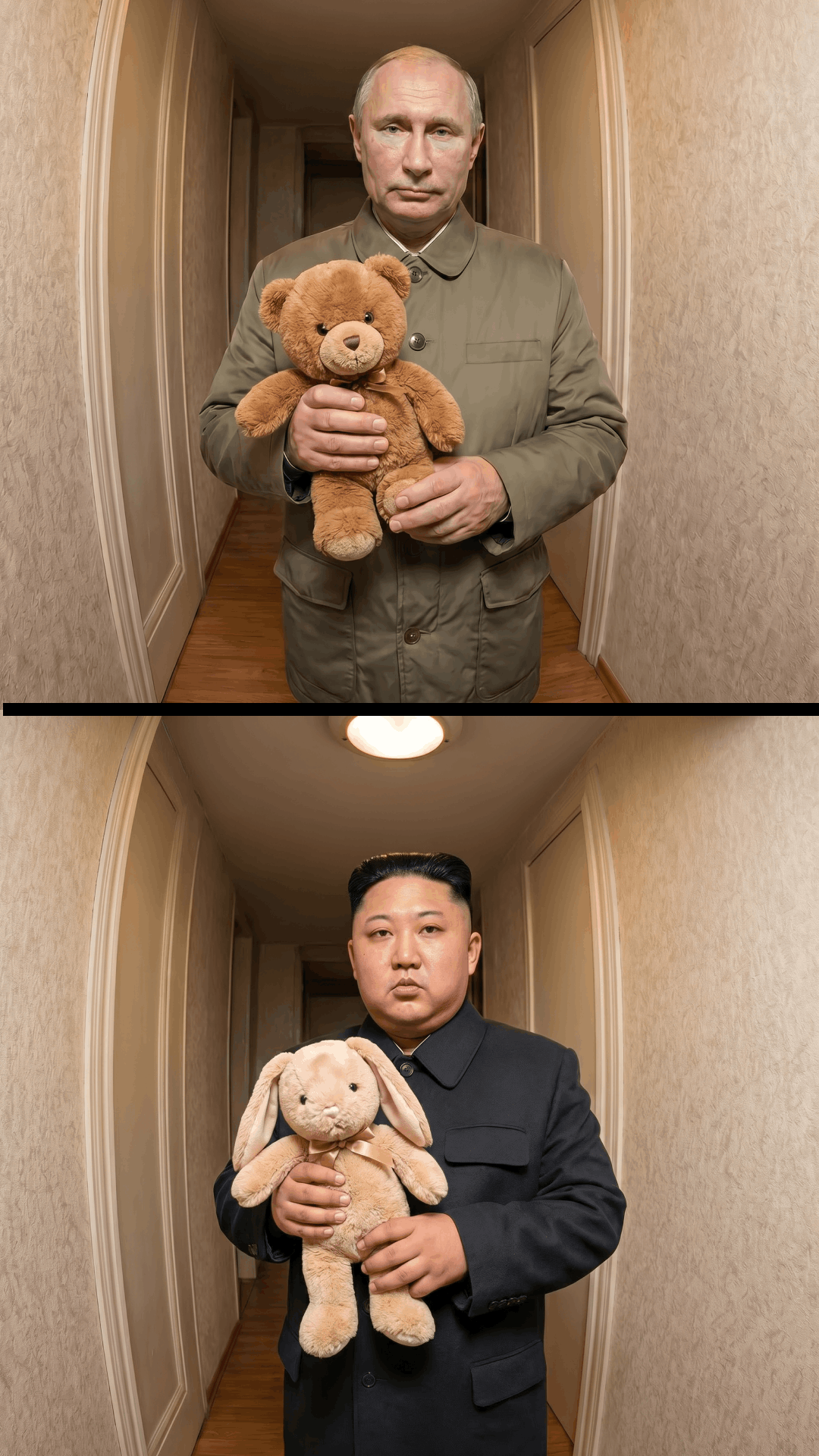
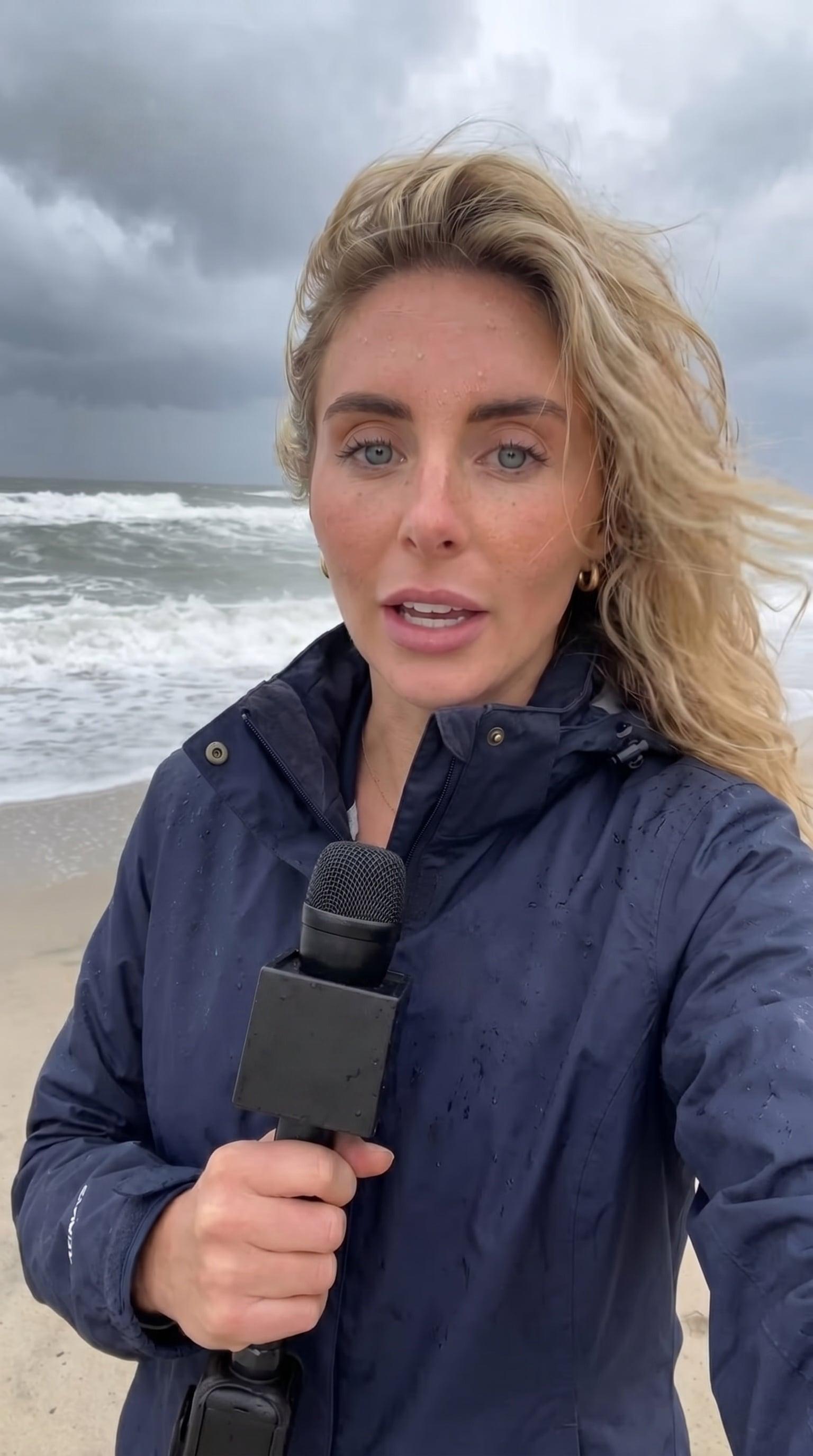
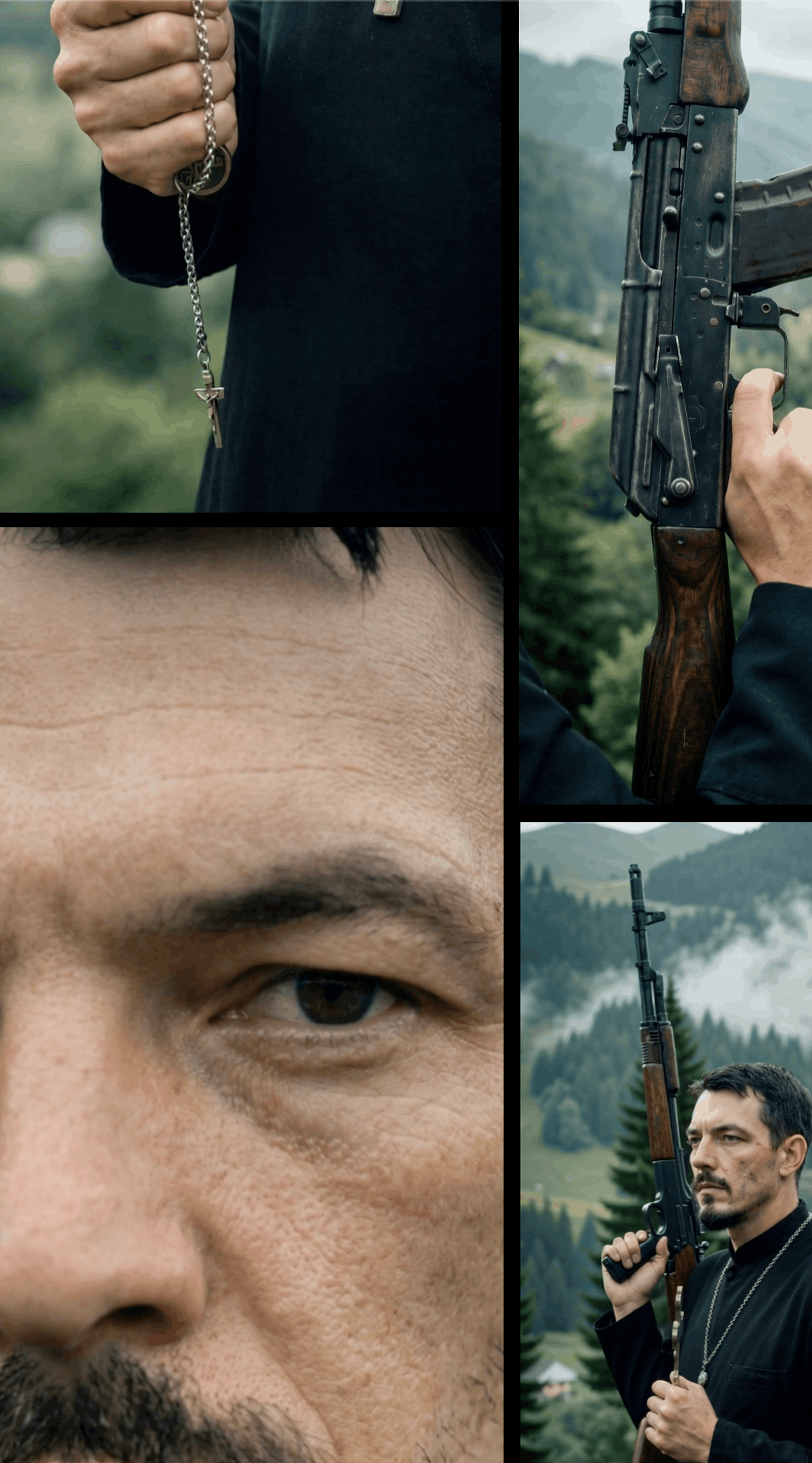

AI Utilities



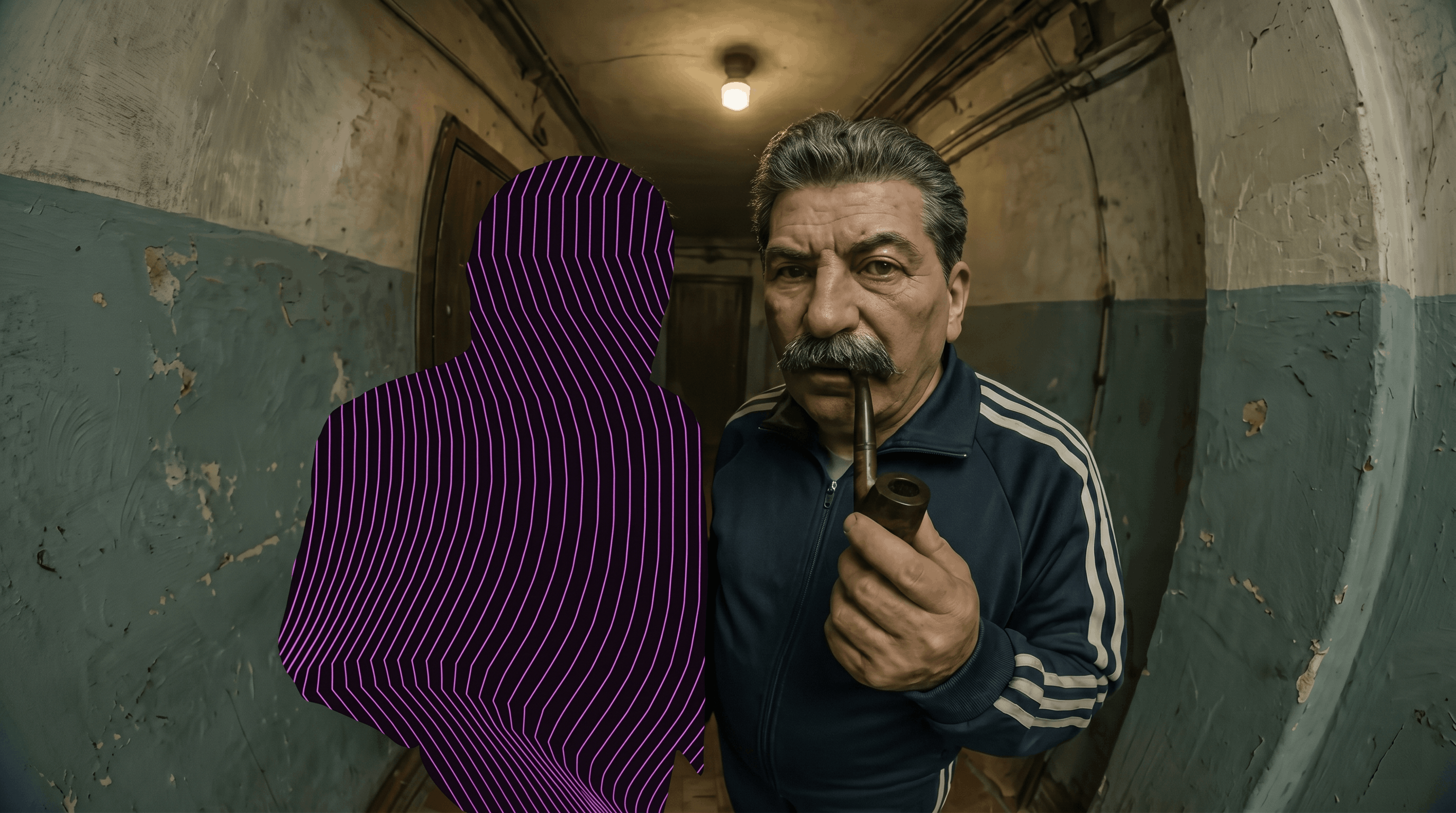

Generated with Spicy Studio
Explore Spicy Studio: AI Tools, Models and Templates in One Place
Explore is the studio’s start page and the shortest route to the right tool. The AI Tools row opens the creative workspaces: Image Lab, Video Lab, Character Swap, Lip Sync and Multi-Shot, next to the AI OFM Playbook guides. The AI Utilities row holds the finishing tools: Image Upscale, Video Upscale, Background Remover, Watermark Remover and Eraser.
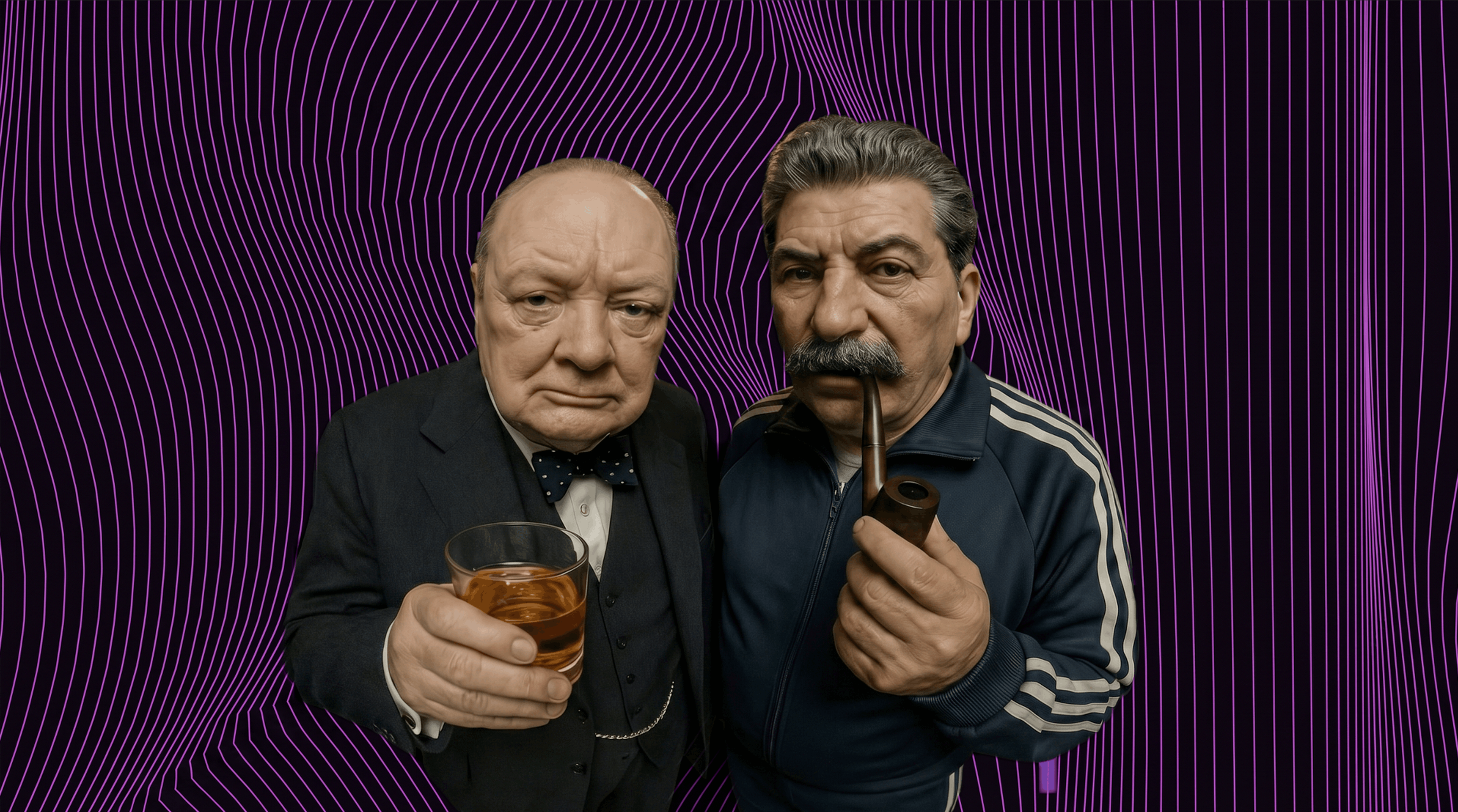
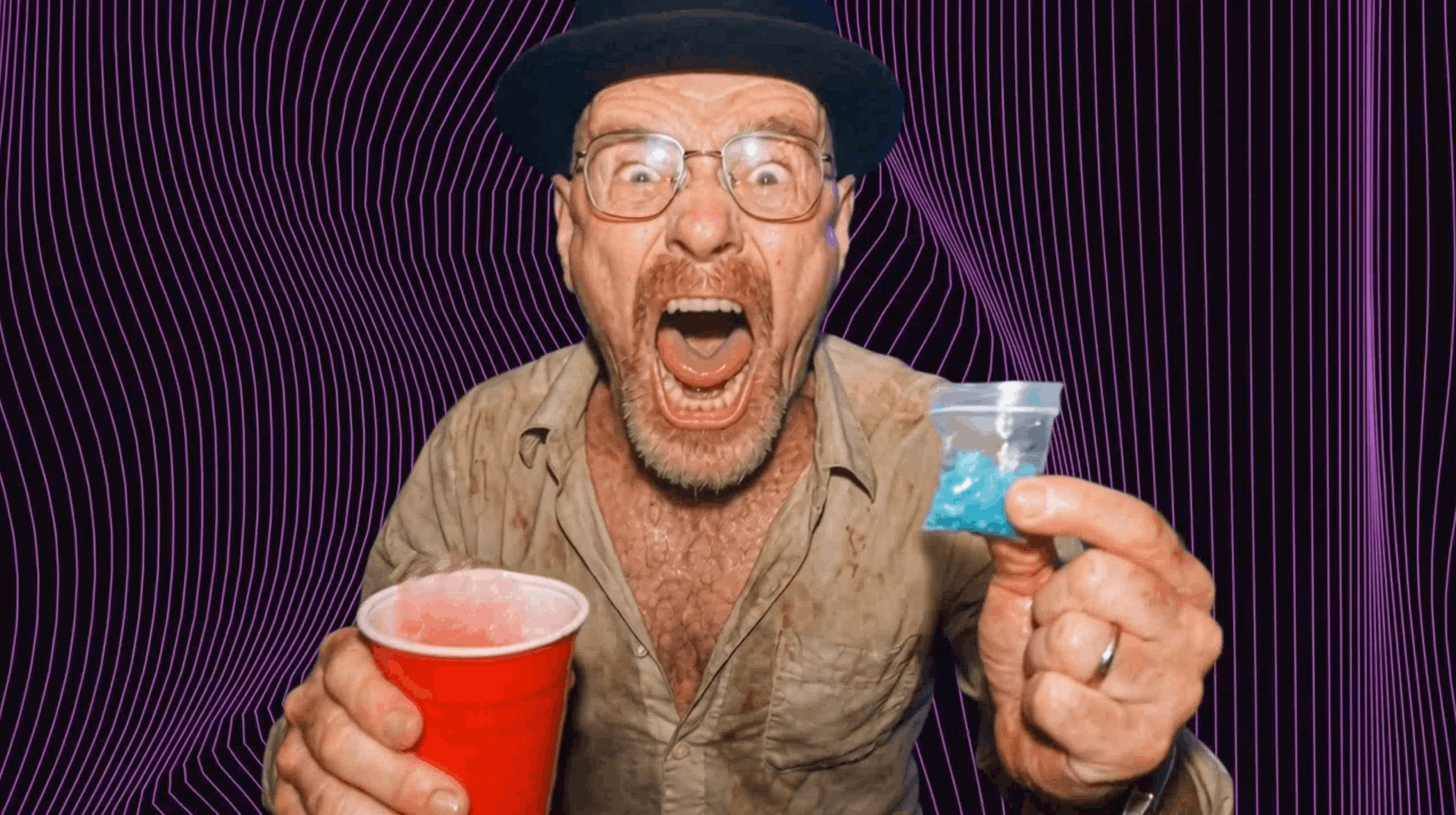
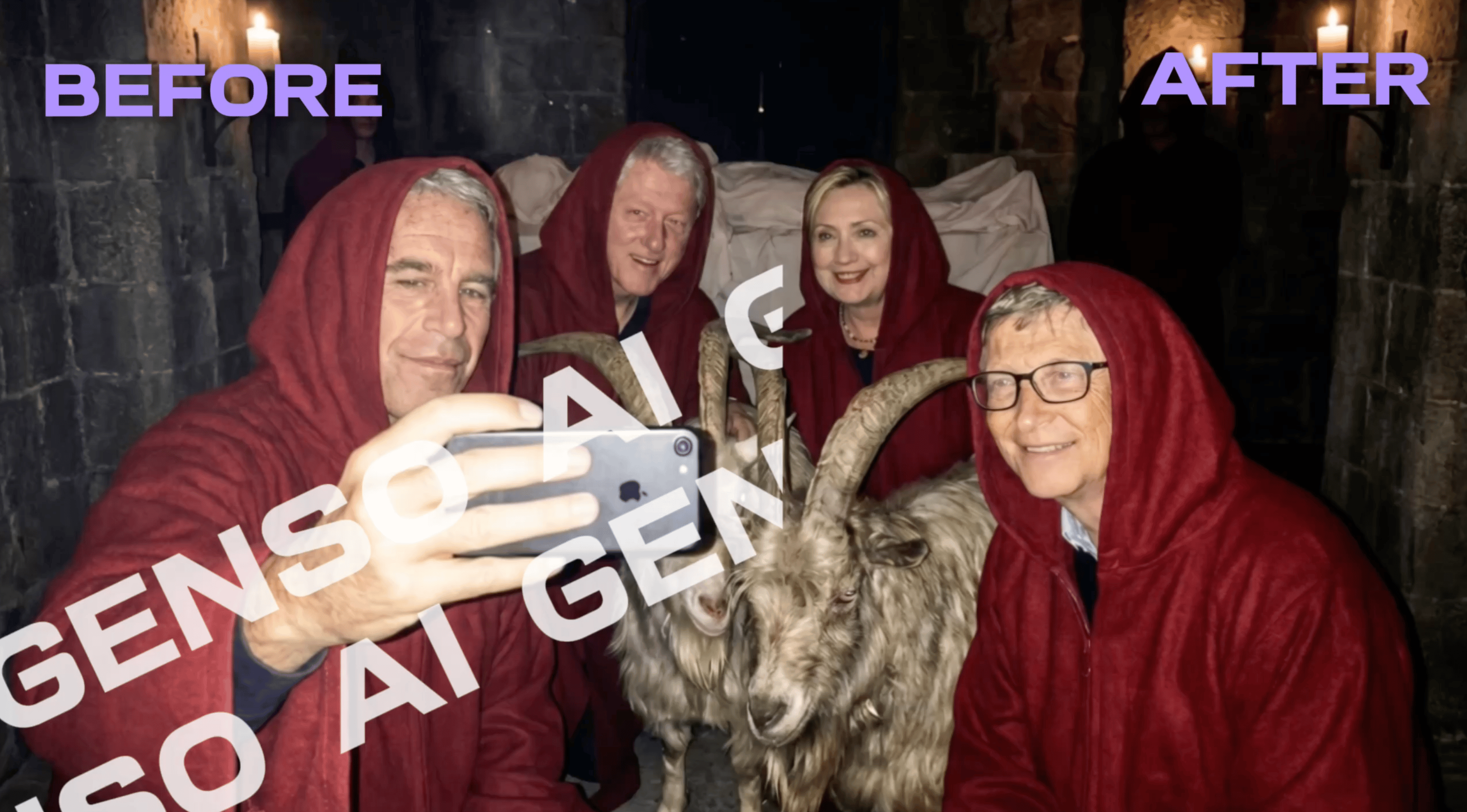
Below them, Generated with Spicy Studio plays example videos. Open one full screen: if a template made its first frame, Use Template opens it so you can make your own; if not, See all templates and Go to image generation lead to the gallery and the Image Lab.
From idea to finished piece in four steps
Pin down the idea
Decide what you’re making and where it will be posted: a product shot for a shop, a 9:16 clip for Reels, a talking-head explainer. The format usually points to the tool.
Pick a tool or a template
Write your own prompt in the Image Lab or Video Lab, or start from a template and add your photo. Character Swap covers motion, Lip Sync speech and Multi-Shot sets of angles.
Generate
The credit cost is shown next to the Generate button before you spend anything, and failed generations are refunded. Images usually take a few seconds; videos can take a few minutes.
Finish with the utilities
Finished images offer Upscale, Animate and Multi-Shot; finished videos offer Upscale Video. Remove a background or a stray object, raise the resolution, then download.
Model families across the studio
More than 20 models run behind the tools:
Image
Nano Banana 2.1 for detailed renders and precise edits, GPT Image 2.5 for readable lettering and Spicy Imagine Pro (Seedream 5.0) for edits that keep faces and lighting from your references.
Video
Seedance 2.5 makes picture and sound in one pass, Kling 3.0 takes start and end frames, Kling Omni O3 fits up to eight prompt segments in one clip and Veo 3.1 renders 8-second clips up to 4K.
Motion and lip sync
Kling 3.0 Motion Control gives your character the movement of a reference video; Spicy Lip Sync makes a portrait speak your recorded audio.
Utilities
The Ultimate Image Upscaler (2K to 8K), the ByteDance Video Upscaler (1080p to 4K) and image and video models for background removal, watermark removal and erasing.
18+ models
Spicy UNCENSORED, Wan 2.7 Image, Spicy UNCENSORED Video and HappyHorse 1.1, for adults only after a one-time 18+ confirmation. Fictional or consenting adults only; real, identifiable people never without documented consent.
Each model’s price, speed and strengths are on the AI Models page.
Real people need their consent
Templates, Character Swap and Lip Sync work with faces and voices. Use your own face and voice, fictional or AI-generated people, or real people who have agreed; never anyone without their consent. You are responsible for the rights to what you upload, and outputs carry metadata that marks them as AI-generated.
Guides
Related tools
Spicy Studio FAQ
Do I need an account to use Spicy Studio?
Yes, every tool runs inside your account. New accounts get 25 free credits, so you can try the tools before choosing a plan.
Which tool should I start with?
The Image Lab for pictures and the Video Lab for clips; you can also make a first frame in the Image Lab and animate it. Templates open with the prompt already written, so all you add is a photo.
How do credits work?
Every generation spends credits, and the exact amount is shown next to the Generate button before you confirm. If a generation fails, its credits are refunded.
How much are the plans?
Spicy Basic is €10 a month for 600 credits, Spicy Pro €25 for 1,800, Spicy Ultimate €50 for 3,800 and Spicy Creator €80 for 7,200. One-time packs run from €2 (90 credits) to €50 (3,100) and never expire, while plan credits reset each billing cycle.
How long is my history kept?
7 days on Spicy Basic, 30 days on Spicy Pro and without a time limit on Spicy Ultimate and Spicy Creator. Download anything you want to keep for longer.
Who owns what I make?
You do, subject to the licences of the underlying models, as the Terms set out. You need the rights and consents for anything you upload, and outputs carry metadata marking them as AI-generated.
Are there 18+ models?
Yes. Spicy UNCENSORED and the other 18+ models unlock after a one-time age confirmation saved to your account. They are for fictional or consenting adults only; anything involving minors, or sexual depictions of real people without consent, is banned.